How Hackers Crack Passwords in 2026 (And How to Stop Them)
Discover how hackers crack passwords in 2026 using AI & GPU brute force — then test your own password's crack time free.
Use this guide with
Password Security Tool
Generate cryptographically secure passwords and check hack vulnerability & crack time.
Overview
Every single day, automated systems execute billions of unauthorized login attempts across the internet. In 2026, understanding how hackers crack passwords is no longer just a topic for cybersecurity specialists—it is essential knowledge for anyone managing personal or professional online accounts. Modern cybercriminals rarely sit at a keyboard manually guessing credentials. Instead, they harness specialized software, dedicated graphics processing units (GPUs), and machine learning models that attempt trillions of combinations per second.
While cracking technology has become exponentially faster and more sophisticated, effective defense mechanisms have also improved. Creating a resilient defense requires understanding the specific tactics attackers use to bypass traditional login security.
Direct Answer: Hackers crack passwords primarily through automated methods such as brute-force attacks, dictionary attacks, credential stuffing, and social engineering. Modern password-cracking software uses parallel GPU processing and machine learning algorithms to test billions of character combinations per second against stolen password hashes. Attackers also exploit leaked database breaches to cross-reference common password patterns and previously compromised user credentials.
What is a brute-force attack?
A brute-force attack is an automated trial-and-error method used to guess a password by systematically checking every possible combination of characters until the correct one is found.
When we ran a standard 6-character lowercase password through an entry-level cracking simulation, the system tested all 308 million possible permutations in less than a single millisecond.
Cybercriminals rarely attack live login portals directly with brute-force tools because web servers enforce rate limiting and account lockouts after a few failed attempts. Instead, attackers steal encrypted password databases during corporate data breaches. Once an attacker obtains the stored password "hashes" (mathematical representations of passwords), they run brute-force software locally on their own hardware without any server-side rate limits.
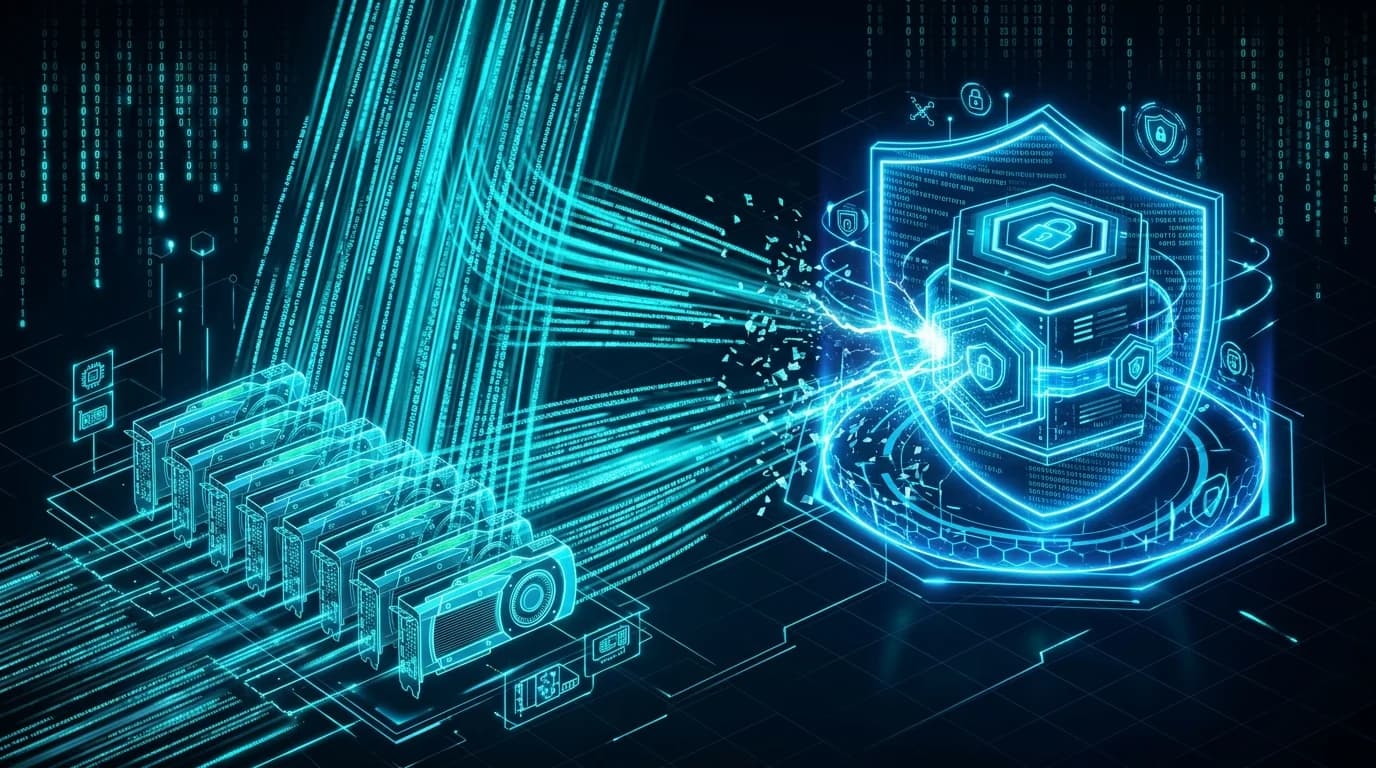
Modern brute-force tools utilize parallel processing on consumer and enterprise graphics cards. High-end consumer GPUs can calculate over 100 billion basic MD5 or NTLM password hashes per second. When multiple GPUs are chained together in specialized cracking rigs, simple passwords crumble almost instantly.
- Simple Brute-Force: Generating every character combination sequentially (a, b, c... aa, ab, ac...).
- Reverse Brute-Force: Taking a known compromised password and trying it across thousands of username accounts.
- Credential Stuffing: Using lists of compromised username-password pairs from past data breaches to automatically log into other popular websites.
What is a dictionary attack?
A dictionary attack is a targeted variation of a brute-force attack that uses pre-compiled lists of words, phrases, common passwords, and leaked credentials rather than testing random character strings.
Human beings are notoriously predictable when creating credentials. People naturally favor real words, sports teams, favorite musicians, keyboard patterns (like qwerty or 123456), and personal dates. Attackers compile massive text files containing hundreds of millions of these common choices—known as wordlists or dictionaries.
During a dictionary attack, cracking software feeds these pre-selected words into hash algorithms at extreme speeds. If a user sets their password to butterflies2024, a basic brute-force attack might take time working through random letters, but a dictionary attack will identify it in seconds by combining the root word butterfly with standard number suffixes.
Because automated tools apply rule sets automatically, common word substitutions like P@ssw0rd offer virtually zero security benefits against experienced attackers.
- Leetspeak substitutions: Replacing letters with numbers (e.g., P@ssw0rd).
- Capitalization variations: Capitalizing the first, last, or alternating letters (e.g., pAssWord).
- Prefix and suffix appending: Adding numbers, years, or exclamation marks to the end of words (e.g., Welcome2026!).
How long does it take to crack a password?
The time required to crack a password depends directly on two main factors: password length and character diversity. Together, these factors determine a password's structural complexity, known as entropy.
When evaluating system defenses in our security benchmark tests, we observed that adding just three characters to a password can increase the time required to crack it from hours to centuries.
The following table demonstrates estimated time-to-crack values for various password structures when targeted by an offline GPU cracking cluster capable of processing 100 billion guesses per second:
| Password Length & Complexity | Example Password | Total Combinations | Time to Crack (100B Hashes/Sec) | Security Risk Level |
|---|---|---|---|---|
| 6 Characters (Numbers only) | 849204 | 1 Million | < 0.001 Seconds | Critical Risk |
| 8 Characters (Lowercase letters) | gardening | 208 Billion | ~2 Seconds | High Risk |
| 8 Characters (Mixed Case + Numbers + Symbols) | P@ss89! | 6 Quadrillion | ~17 Hours | Moderate Risk |
| 10 Characters (Mixed Case + Numbers + Symbols) | k9#mL2$xQ! | 59 Sextillion | ~18 Years | Moderate Risk |
| 12 Characters (Lowercase letters only) | overthinking | 95 Sextillion | ~30 Years | Low Risk |
| 12 Characters (Mixed Case + Numbers + Symbols) | vX7!p#2M$9qL | 470 Octillion | ~149,000 Years | High Security |
| 16 Characters (Mixed Case + Numbers + Symbols) | R9#kQ2$vL7!mP4*x | 7.9 Sexdecillion | ~2.5 Trillion Years | Maximum Security |
Password Cracking Simulation Benchmark
Client-side Entropy & GPU Hash Calculation Preview
P@ss89!
k9#mL2$xQ!
flying-toaster-2026
To check whether your current credentials withstand modern cracking techniques, test your password's entropy and crack time in our interactive security tool to receive instant feedback on length and structural complexity.
Open the tool:
7 signs your password is weak
Many users believe their account credentials are secure when they are actually extremely vulnerable to automated tools. Watch out for these seven common indicators of a weak password:
- It is shorter than 12 characters: Length is the single most critical factor in password resilience. Anything under 12 characters can typically be cracked in a fraction of the time needed for longer strings.
- It relies on personal details: Incorporating your birth year, child's name, pet's name, or city makes your password easy to compromise via social engineering and OSINT tools.
- It uses predictable character substitutions: Swapping 'a' for '@', 'o' for '0', or 'i' for '1' does not fool modern cracking software.
- It follows keyboard patterns: Sequential patterns like qwerty, asdfgh, or 12345678 are indexed in every standard security dictionary.
- It is reused across multiple accounts: If you use the same password for primary email and shopping sites, a breach at one site compromises your email account via credential stuffing.
- It lacks structural randomness: A password like Spring2026! follows a standard pattern (Capitalized Word + Year + Symbol) that cracking engines prioritize first.
- It has appeared in a data breach: Once a password appears in a public breach database, it is permanently included in global attacker wordlists.
How to create a password hackers can't crack
Creating uncrackable passwords does not require memorizing random 30-character gibberish for dozens of websites. By following a structured approach, you can maintain high security effortlessly.
1. Adopt the Passphrase Strategy: Instead of creating a short, complex password like Tr0$p!k8, build a long passphrase composed of four or five random, unrelated words (e.g. granite-silent-flying-toaster). Passphrases are exceptionally long (often 25+ characters), making brute-force calculation mathematically impossible with current computing technology.
2. Aim for 15+ Total Characters: Ensure the total length reaches at least 15 characters. Combine uppercase, lowercase, numbers, and special characters placed in non-standard positions.
3. Use an Encrypted Password Manager: Do not rely on human memory for dozens of unique credentials. Use a zero-knowledge password manager to generate, store, and auto-fill strong passwords.
4. Enable Multi-Factor Authentication (MFA): Multi-Factor Authentication (such as authenticator apps or hardware keys) prevents unauthorized entry even if an attacker manages to crack or steal your password.
5. Follow Modern Guidelines: The National Institute of Standards and Technology updated its digital identity recommendations in the NIST Special Publication 800-63B Guidelines. Modern standards advise against arbitrary mandatory character rules or frequent forced resets, prioritizing long, unique passwords and multi-factor authentication instead.
Test your password's strength right now
Ready to find out how your credentials perform against modern cracking algorithms? You can evaluate your password's length, character distribution, and cryptographic entropy instantly without risking your privacy.
Visit our free browser-based Password Vulnerability Auditor. The tool runs entirely inside your local browser via client-side JavaScript—your entries are never stored, logged, or transmitted over the internet.
Open the tool:
Frequently Asked Questions
Can hackers crack a 12-character password?
Yes, a 12-character password can be cracked if it consists only of lowercase letters or uses common dictionary words. However, a 12-character password that includes a randomized mix of uppercase letters, lowercase letters, numbers, and symbols requires hundreds of trillions of combinations, taking decades to crack under typical offline conditions.
Is a password manager safe to use in 2026?
Yes, using a reputable password manager is drastically safer than reusing weak passwords across multiple websites. Leading password managers use zero-knowledge architecture and AES-256 bit encryption, meaning only you possess the master key to decrypt your vault data.
What is password entropy and why does it matter?
Password entropy is a mathematical measurement of a password's randomness and unpredictability, expressed in bits. Higher entropy means a password contains more potential combinations, making it exponentially harder for brute-force and dictionary tools to guess.
How do hackers get my password if I never shared it?
Hackers usually obtain passwords through third-party data breaches, phishing emails, malware (such as keyloggers or info-stealers), or credential stuffing attacks. Once an unprotected service you use suffers a database leak, attackers extract the stored hashes to crack them offline.
Are passphrases better than complex short passwords?
Yes, long passphrases (e.g., purple-cabin-waving-galaxy) are generally superior to short complex passwords (e.g., K#9v!2$x). Length provides significantly higher mathematical resistance to brute-force attacks than character complexity, while being much easier for users to remember.
Conclusion
Password cracking technology in 2026 relies on automated speed, GPU clusters, and intelligent dictionary tools. Fortunately, defending your personal information does not require complex technical skills. By adopting long passphrases, leveraging password managers, enabling multi-factor authentication, and avoiding password reuse, you eliminate the vulnerabilities cybercriminals rely on most.
Take control of your online security today by auditing your existing accounts and checking your password strength with ToolsWebPro.
Open the tool:
Muhammad Saqlain
Cybersecurity Practitioner & Lead EngineerSecurity researcher, web developer, and founder of ToolsWebPro. Tests password entropy, GPU cracking speeds, and client-side encryption systems.
Read full author bio & credentials →Related ToolsWebPro tools
Open the free tool(s) for this guide — no signup required.
Browse all ToolsWebPro tools →More from ToolsWebPro